Your Microcurrent Facial Device Won't Turn On or Activate
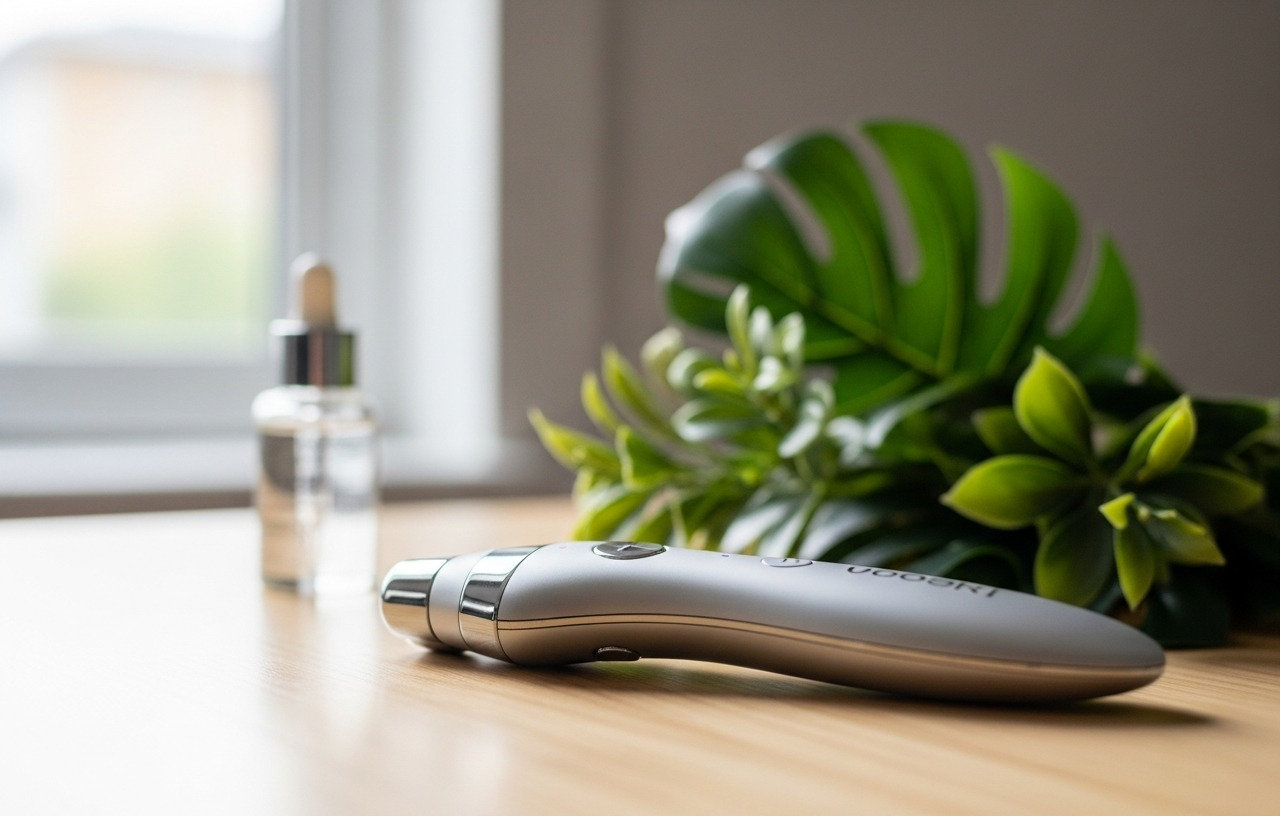
Many users experience their microcurrent facial device failing to power on or activate. This often stems from simple, easily resolvable issues related to power or application. Before assuming a major malfunction, systematically check the most common culprits. This approach can save you from unnecessary worry and expense.
Power-Related Problems: The Most Common Causes
The primary reason a microcurrent device might not work is often related to its power supply. This includes battery issues, charging components, or the power source itself. Addressing these first usually resolves the problem quickly.
Charging Issues and Battery Health
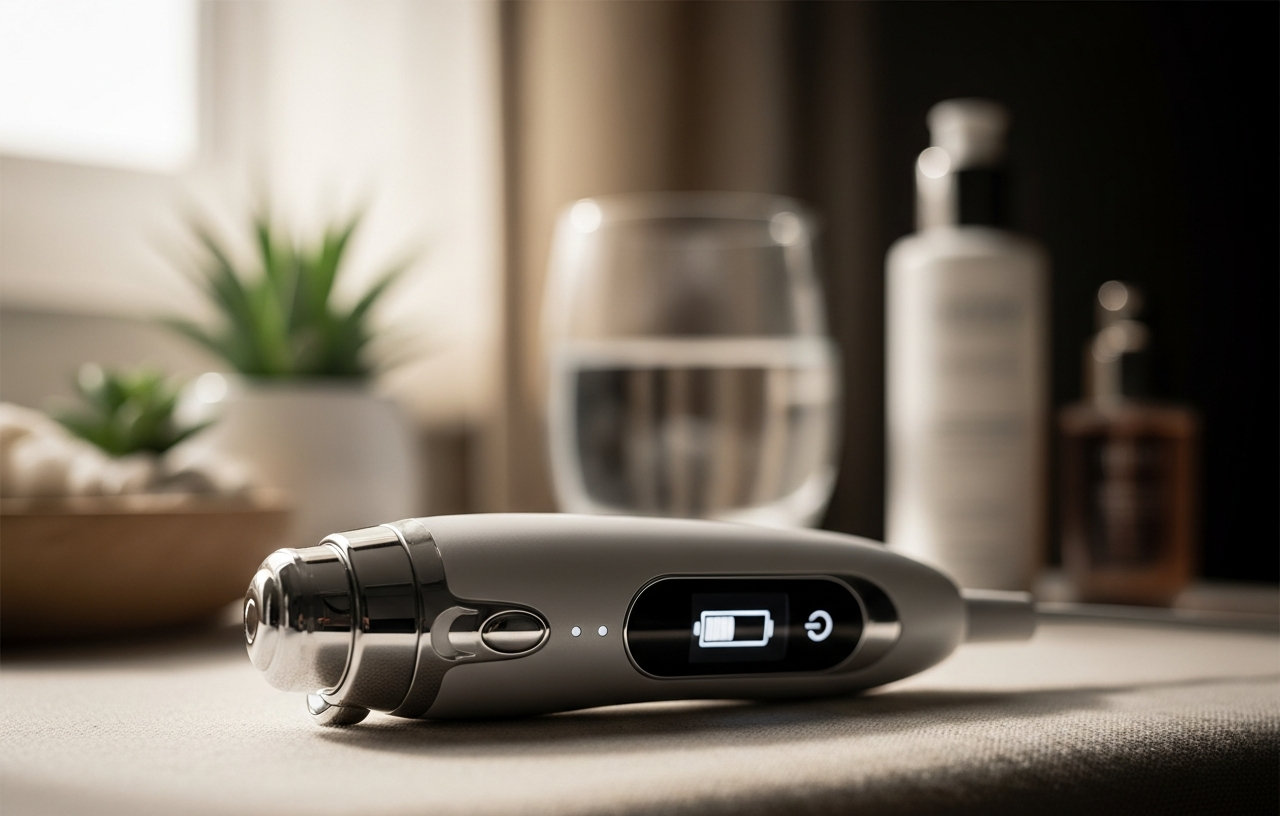
A dead or low battery is a frequent cause for a device not turning on. Most microcurrent devices use rechargeable lithium-ion batteries. Make sure your device is fully charged before use. Connect it to its charger and allow adequate time for a full charge, typically 2-4 hours, according to manufacturer specifications. If your device, such as a Nuface Mini, won't turn on, a depleted battery is the first thing to rule out.
Faulty Charging Cable or Adapter
The charging cable or power adapter can degrade over time. Inspect the cable for any visible damage, such as kinks, fraying, or bent pins. Try using a different USB port or a different wall adapter if available. Sometimes, the charging port on the device itself can accumulate debris or become damaged. Gently clean the port with a dry, soft brush or compressed air. Replacements for official charging cables typically cost $15-$30, while third-party adapters can range from $10-$25. Verify compatibility before purchasing.
Power Outlet Malfunction
It sounds simple, but a non-functional wall outlet can prevent your device from charging. Plug another small appliance into the same outlet to confirm it is working. If the outlet is connected to a light switch, make sure the switch is in the 'on' position. Use a different outlet if the first one proves faulty.
Application and User Error: Essential for Function
Microcurrent devices require specific conditions to operate correctly. Incorrect application of conductive gel or poor skin contact will prevent the device from delivering its treatment, even if it powers on.
Insufficient Conductive Gel
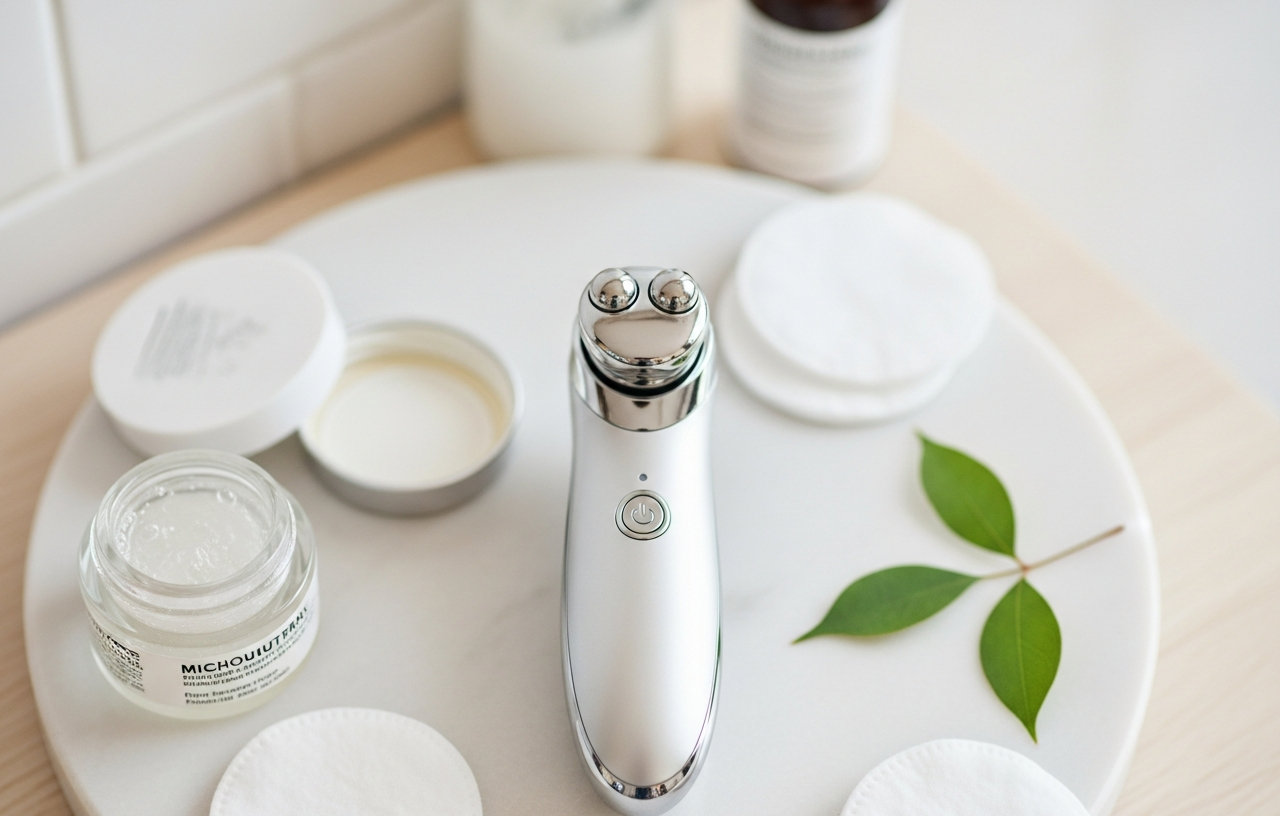
Microcurrent technology relies on a conductive medium to deliver electrical impulses to the skin. Without enough conductive gel, the device cannot form a circuit and will not work properly. The device might not emit a current, or it could feel like it is not working at all. Always apply a generous, even layer of the recommended conductive gel or serum to the treatment area before and during use. Reapply as needed if the gel starts to dry out. The FOREO BEAR Mini targets initial signs of aging effectively when used with the right gel, helping firm and contour the face.

- Experience a targeted facial workout with this compact facial firming device that targets initial signs of.
- Two microcurrent spheres channel energy directly into the skin. While signs of aging are erased in the top.
- T-SONIC PULSATIONS - Help to relax facial muscle tension points and smooth the appearance of fine lines.
- BENEFIT- Scans and measures skin’s resistance to electricity, and automatically adjusts microcurrent.
Poor Skin Contact
The microcurrent spheres or electrodes on your device must maintain consistent contact with your skin. If the device is not held flat against the skin, or if there are gaps, the current will not flow. Make sure both spheres are touching the skin at all times during the treatment. Glide the device slowly and deliberately. Some devices, such as the FOREO Bear Microcurrent Facial Device, feature larger spheres that can make achieving full skin contact easier, especially on broader areas of the face.

- NON-INVASIVE FACE LIFT - Firm and contour with FOREO BEAR, at-home microcurrent facial device that tones.
- 3-MINUTE TREATMENT - The FDA-cleared face sculpting tool provides a quick & simple instant face lift with.
- T-SONIC PULSATIONS - Relax facial muscle tension points & smooth the appearance of fine lines and.
- ANTI-SHOCK SYSTEM - Scans and measures skin’s resistance to electricity, and automatically adjusts.
Incorrect Device Settings or Mode
Check the device's settings. Some microcurrent devices have multiple modes or intensity levels. Make sure you have selected an appropriate setting for your treatment. If the device is on a very low intensity, you might not feel anything, leading you to believe it is not working. Consult your user manual to confirm you are operating the device in the correct mode and at a suitable intensity. Newer models, like the FOREO Bear 2 Advanced Toning Microcurrent Facial Device, offer multiple microcurrent modes and T-Sonic massage patterns, making it important to understand each setting.

- 4 REVOLUTIONARY MICROCURRENTS The only device with Advanced Microcurrent and 3 more microcurrent modes.
- ANTI-SHOCK SYSTEM 2.0 A new & improved version of FOREO's patented Anti-Shock System now measures your.
- 5 T-SONIC MASSAGE PATTERNS Body sculpting massager with Targeted and Soothing Massages, Shiatsu, and more.
- SWEDISH ROUTINE For optimal results, combine the BEAR 2 face sculpting tool with the conductive FOREO.
Device Cleanliness
Residue from skincare products, dust, or dried conductive gel can build up on the microcurrent spheres. This buildup can impede conductivity, preventing the device from working effectively. Clean your device after every use with a damp, lint-free cloth, and dry it thoroughly. Avoid harsh chemicals or abrasive materials that could damage the device surface.
Device Malfunctions: When Internal Issues Arise
If power and application issues have been ruled out, the problem might lie within the device itself. These issues are less common but can occur over time.
Internal Component Failure
Like any electronic gadget, microcurrent devices have internal components that can fail. This could be a faulty circuit board, a damaged battery cell, or a problem with the motor that controls vibrations or pulsations. These issues are typically not user-repairable. Symptoms might include the device turning on but not delivering current, or unusual sounds. Replacing a main circuit board could cost $50-$150 if parts are available and a technician can service it.
Software or Firmware Glitches
Some advanced microcurrent devices use internal software. Occasionally, this software can experience glitches that prevent the device from operating. Try performing a hard reset, if your device model supports it. This usually involves holding down a specific button combination for several seconds. Refer to your user manual for instructions on how to reset your particular device. Software issues are usually rare but can sometimes be resolved with a factory reset.
When to Seek Professional Help or Consider Replacement
If you have exhausted all troubleshooting steps and your microcurrent facial device still isn't working, it might be time to consider professional assistance or a replacement. Internal damage or battery issues often fall into this category.
Contacting Manufacturer Support
Before doing anything drastic, contact the manufacturer's customer support. They can provide specific troubleshooting steps for your model, offer warranty service, or suggest repair options. Have your purchase information and device serial number ready. Many manufacturers offer a warranty for 1-2 years from the purchase date.
Professional Repair vs. Replacement Cost
For out-of-warranty devices, weigh the cost of repair against the cost of a new device. Professional diagnostics for small electronics can cost $30-$70. If the repair involves replacing a major component, the total cost could easily exceed $100-$200. For a device that originally cost $200-$400, a repair might be worthwhile. However, for a device under $100, replacement often makes more financial sense. Consider the lifespan of your device. Newer microcurrent devices often feature improved technology, more advanced safety features, and better battery life. Researching current models can provide options with enhanced effectiveness and durability. You can explore some of the best microcurrent facial devices available on the market.
Preventative Maintenance and Storage
Preventing issues is always better than troubleshooting them. Proper care and storage can significantly extend the life of your microcurrent device.
- Clean After Every Use: Wipe down the device with a damp cloth and dry it thoroughly to prevent product buildup.
- Charge Correctly: Use only the manufacturer-provided charger and cable. Avoid overcharging by unplugging once fully charged, if recommended by the manual.
- Store Properly: Keep your device in a dry, cool place, away from direct sunlight and extreme temperatures. Regular care helps ensure consistent performance and longevity for your skincare investment.
Microcurrent Device Frequency: How Often to Use for Best Results
Our Top PicksTop PickFOREO BEAR Mini Microcurrent Facial Device - Face Sculpting Tool - Firm & Contour - Reduce Double Chin - Non-Invasive - IncreasesCheck Price on AmazonFOREO Bear Microcurrent Facial Device - Face Sculpting Tool - Instant Face Lift - Firm & Contour - Non-Invasive - IncreasesCheck Price on AmazonFOREO Bear 2 Advanced Toning Microcurrent Facial Device -Face Sculpting Tool - Firm & Contour - Non-Invasive - Increases SkinCheck Price on Amazon